
Ready to make your AI agent smart enough to use real tools? In this post, we’ll build a Langchain-powered agent that can dynamically choose and call functions on the MCP (Model Context Protocol) server we created in part 1.
Why Build an Agent?
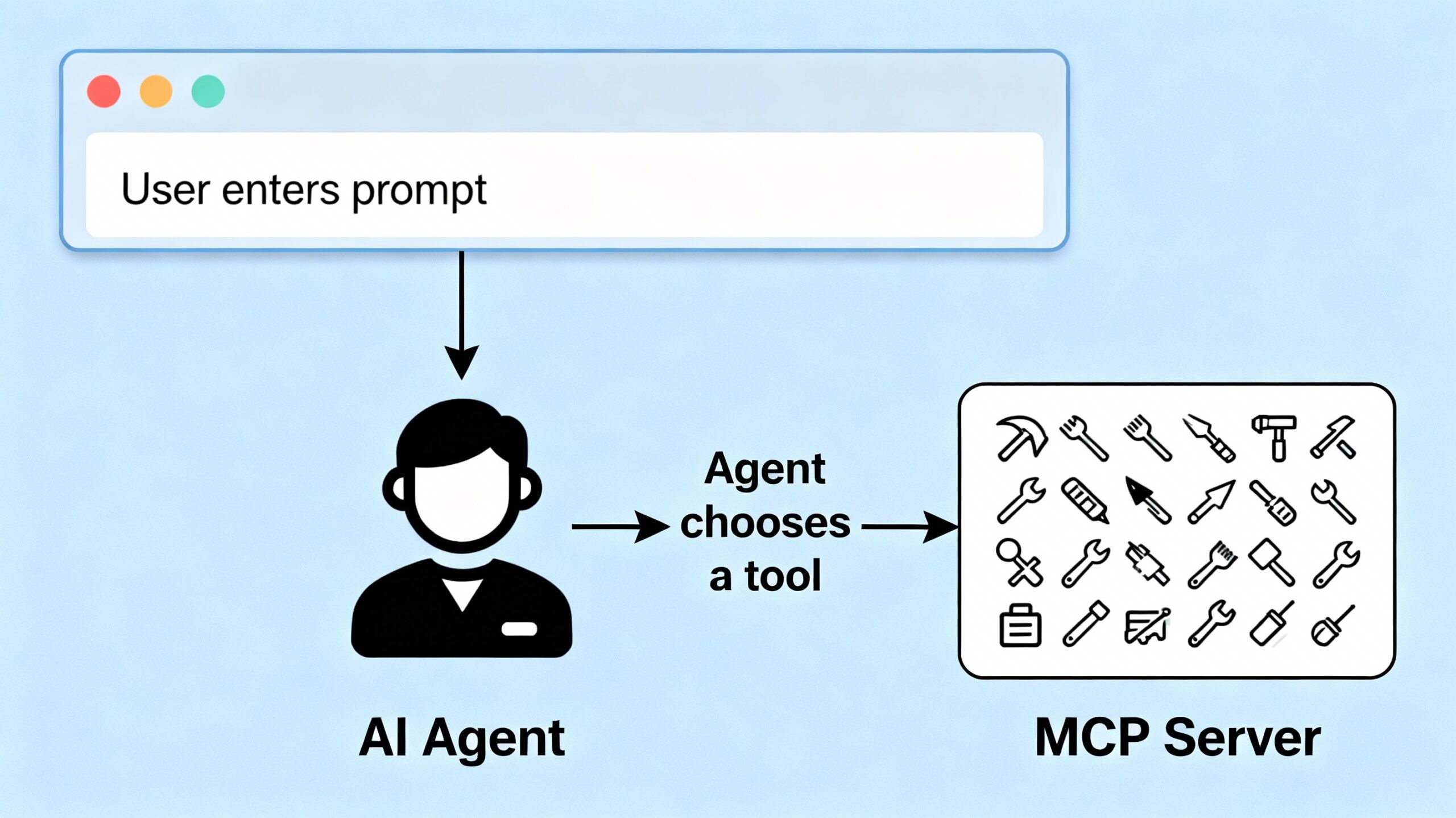
A Langchain agent acts as the “brain” of your stack. It receives user prompts, interprets intent, and interacts with external tools to fetch fresh data or take actions. By connecting your agent to the MCP server, you unlock powerful, modular abilities for your AI applications.
Defining Tools: Wrapping MCP Server Functions
First, we wrap each MCP server tool (like weather or math) into a Langchain-compatible Tool. Each wrapper calls your MCP server’s /execute endpoint via HTTP.
def call_mcp_tool(tool_name: str, input_data: dict) -> dict:
    import requests
    url = "http://localhost:8000/execute"
    payload = {"tool_name": tool_name, "input_data": input_data}
    response = requests.post(url, json=payload)
    return response.json()
For example, the weather tool wrapper:
weathertool = Tool(
    name="weather_tool",
    description="Fetches weather information for a given city.",
    func=lambda city: call_mcp_tool("weather_tool", {"city": city})
)
And for math:
class MathToolInput(BaseModel):
    a: float
    b: float

def mathtool_func(a: float, b: float) -> dict:
    return call_mcp_tool("math_tool", {"a": a, "b": b})

mathtool = StructuredTool.from_function(
    func=mathtool_func,
    name="math_tool",
    description="Add two numbers together.",
    args_schema=MathToolInput
)
Registering Tools with the AI Agent
We gather all tool wrappers and initialize the Langchain agent:
tools = [weathertool, mathtool]

llm = ChatOpenAI(model="gpt-4o-mini", temperature=0)
system_prompt = "You are an intelligent agent that can use tools to fetch weather data and perform math operations."

agent = create_agent(llm, tools, system_prompt)
Handling the Prompt: Receiving and Responding
Your FastAPI backend accepts user prompts and passes them to the agent:
@app.post("/ask")
async def ask(request: AskRequest):
    userinput = request.prompt
    response = agent.invoke([
        {"role": "user", "content": userinput}
    ])
    return response["messages"][-1]["content"]
Putting It Together
- Users send a prompt (like “What’s the weather in Dublin? and what is 5 + 7?”) to your FastAPI app.
- The agent interprets the request, decides which tools to use, and calls the MCP server.
- The agent receives results and responds with processed, context-aware information.
Next Steps
Congrats! Your AI agent can now “think” and act using the tools exposed by the MCP server. In Part 3, we’ll create a simple user interface so anyone can interact with your agent and see real results in real time.
You can download the full code for the post here.